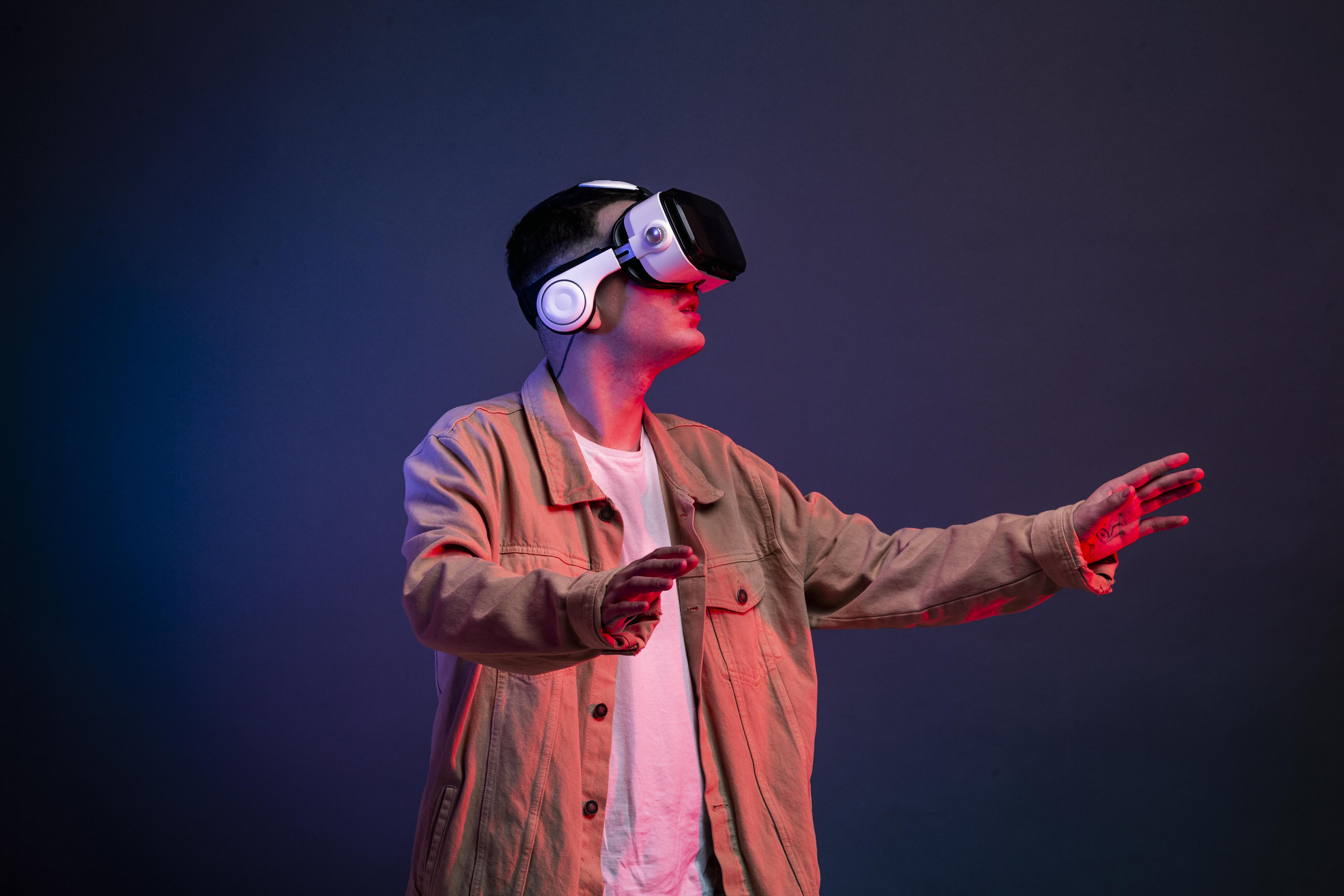
Unity XR is revolutionizing how we create immersive virtual and augmented reality experiences. As an XR developer with extensive experience in Unity, I'll guide you through everything you need to know to start building amazing VR and AR applications.
"XR development is about creating experiences that transcend the boundaries between digital and physical worlds." - Dharmik Gohil
What is Unity XR?
Unity XR (Extended Reality) is Unity's comprehensive framework for developing:
- Virtual Reality (VR): Fully immersive digital environments
- Augmented Reality (AR): Digital content overlaid on the real world
- Mixed Reality (MR): Interaction between virtual and physical objects
Setting Up Your Development Environment
System Requirements
- Unity 2022.3 LTS or later (recommended for XR development)
- Windows 10/11 or macOS for development
- Android SDK for mobile AR development
- Xcode for iOS AR development
Installing Unity XR Packages
Through Unity Package Manager, install:
- XR Plug-in Management - Core XR system
- XR Interaction Toolkit - XR interaction components
- AR Foundation - Cross-platform AR development
- OpenXR Plugin - Industry standard XR runtime
VR Development Basics
Essential VR Components
- XR Rig: Main camera and tracking system
- Controllers: Hand tracking and input handling
- Locomotion: Movement systems (teleportation, smooth locomotion)
- Interaction: Object grabbing and manipulation
Creating Your First VR Scene
- Create new 3D project
- Install XR packages via Package Manager
- Add XR Rig from XR Interaction Toolkit
- Configure input actions for controllers
- Test with VR headset or simulator
AR Development with AR Foundation
AR Core Features
- Plane Detection: Detect horizontal and vertical surfaces
- Image Tracking: Track reference images in the real world
- Face Tracking: Detect and track human faces
- Light Estimation: Match virtual lighting to real environment
- Occlusion: Virtual objects behind real objects
Building an AR App
- Create new project with AR Mobile template
- Set up AR Session and AR Session Origin
- Add AR Plane Manager for surface detection
- Implement object placement system
- Configure for target platform (iOS/Android)
Key XR Development Concepts
Tracking and Positioning
- 6DOF Tracking: Six degrees of freedom movement
- World Space: Real-world coordinate system
- Anchors: Persistent positioning in AR
- Tracking States: Limited, tracking, not available
Interaction Design
- Gaze-based: Look to select and interact
- Controller Input: Button presses and gestures
- Hand Tracking: Natural hand movements
- Voice Commands: Speech recognition integration
Performance Optimization for XR
VR Performance Tips
- Maintain consistent 90+ FPS framerate
- Use efficient rendering techniques
- Minimize draw calls and polygon count
- Implement proper LOD (Level of Detail) systems
- Use Unity's XR-specific profiling tools
AR Performance Considerations
- Optimize for mobile hardware limitations
- Use lightweight shaders and materials
- Implement efficient tracking algorithms
- Balance visual quality with performance
Common XR Development Challenges
Motion Sickness Prevention
- Maintain high, consistent framerate
- Use comfort settings like snap turning
- Provide multiple locomotion options
- Minimize artificial acceleration
User Experience Design
- Spatial UI: Design interfaces in 3D space
- Accessibility: Support different user abilities
- Onboarding: Teach users XR interactions
- Safety: Implement guardian/boundary systems
Target Platforms and Devices
VR Platforms
- Meta Quest: Standalone VR headsets
- SteamVR: PC-based VR systems
- PlayStation VR: Console VR platform
- HTC Vive: Professional VR solutions
AR Platforms
- ARCore (Android): Google's AR platform
- ARKit (iOS): Apple's AR framework
- Magic Leap: Mixed reality headsets
- HoloLens: Microsoft's holographic computing
Best Practices for XR Development
Development Workflow
- Prototype Early: Test core interactions quickly
- Iterate Frequently: Regular testing with real users
- Platform Testing: Test on target devices early
- Performance Monitoring: Continuous optimization
Code Organization
- Use Unity's XR component architecture
- Implement modular interaction systems
- Create reusable XR components
- Follow Unity's coding standards
Testing and Debugging XR Applications
Testing Strategies
- Device Simulator: Test without physical devices
- Unity Remote: Preview on mobile devices
- XR Device Simulator: VR testing in editor
- User Testing: Regular feedback sessions
Common Issues and Solutions
- Tracking Loss: Implement fallback systems
- Performance Drops: Use Unity Profiler
- Input Problems: Test all interaction methods
- Platform Compatibility: Regular device testing
Future of XR Development
The XR industry is rapidly evolving with new technologies:
- WebXR: Browser-based XR experiences
- AI Integration: Intelligent virtual assistants
- Cloud XR: Streaming XR content
- Haptic Feedback: Advanced tactile experiences
- Eye Tracking: Gaze-based interaction
Getting Started - Action Steps
- Install Unity 2022.3 LTS with XR development modules
- Complete Unity Learn XR tutorials for hands-on experience
- Build simple VR scene with basic interactions
- Create AR app with plane detection and object placement
- Test on actual devices to understand real-world performance
- Join XR communities for support and networking
Conclusion
Unity XR opens up incredible possibilities for creating immersive experiences that were once science fiction. Whether you're interested in VR games, AR applications, or mixed reality solutions, Unity provides the tools and frameworks needed to bring your vision to life.
Start with simple projects, focus on user experience, and gradually tackle more complex features. The XR industry is growing rapidly, and there's never been a better time to start developing for these exciting platforms.
Remember that XR development is as much about understanding human interaction and presence as it is about technical implementation. Keep experimenting, testing with real users, and pushing the boundaries of what's possible in extended reality.